Advokit
People with aphasia are routinely excluded from the digital welfare systems they depend on. Benefits portals, housing applications, GP apps — these services assume literacy, digital fluency and communicative competence that many stroke survivors simply do not have. The consequences are severe: lost entitlements, failed appeals, financial hardship.
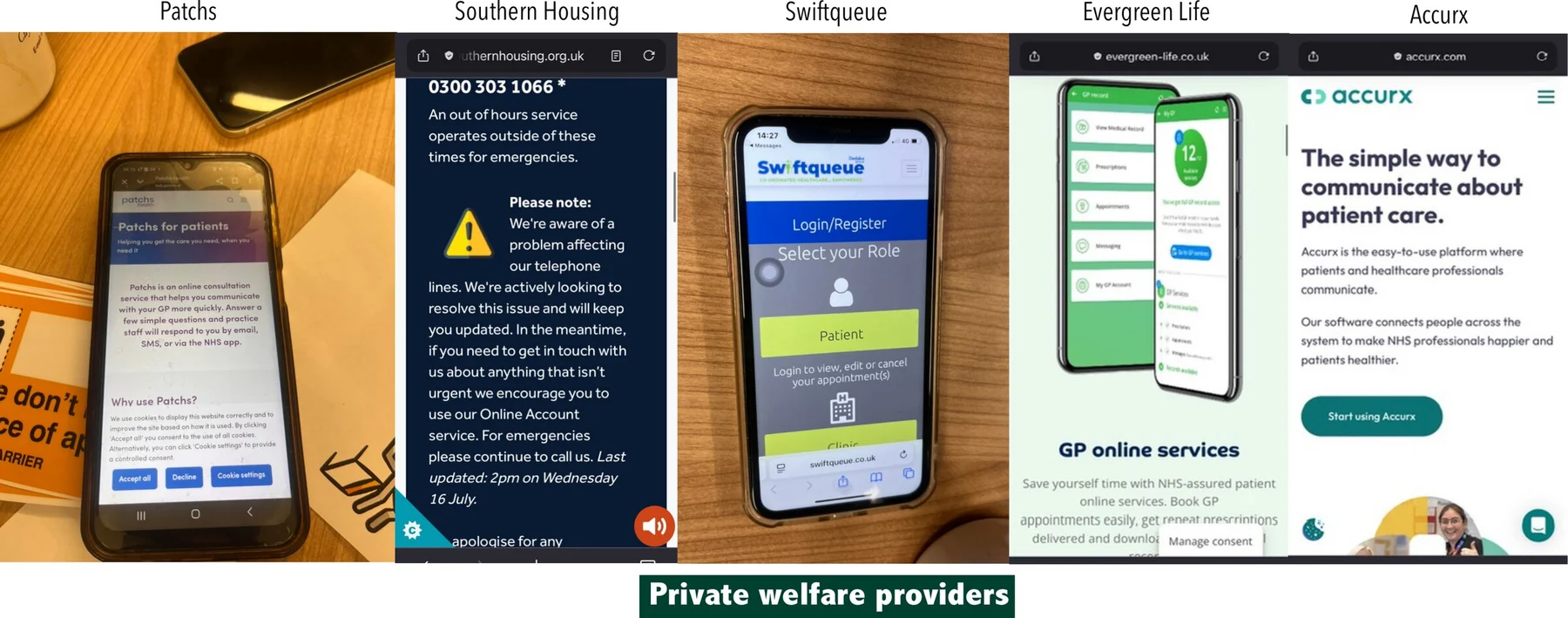
P4, a co-designer living with aphasia, called the DWP to migrate his Universal Credit claim. Automated robocalls repeatedly misinterpreted his speech. After extended hold, a dropped call and being told to restart the next day, he attended the Job Centre in person — undermining the premise of digital access entirely.
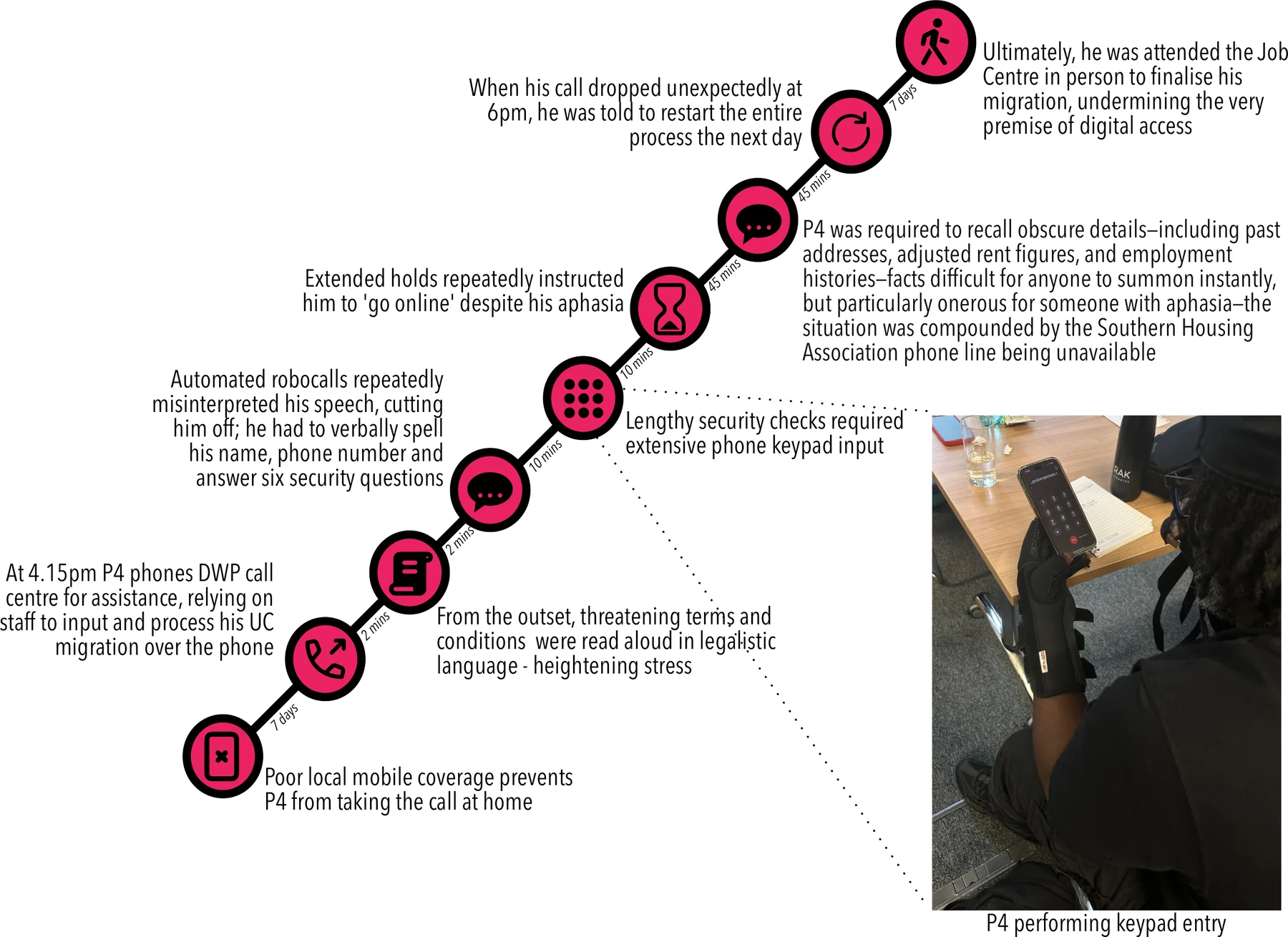
Advokit is a response to this — a generative AI-enhanced digital toolkit co-designed with stroke survivors, speech and language therapists and welfare advisors at Aphasia Re-Connect. Documented in peer-reviewed papers at CHI 2026 and ASSETS 2026.
Community Web Toolkit
Advokit is live at advokit.uk. I designed and built the toolkit end-to-end — full-stack architecture, accessibility infrastructure, LLM-powered assistance and a community stories pipeline. Every feature traces back to barriers named by co-designers: traffic-light difficulty ratings, progressive disclosure of tips, read-aloud with word highlighting and structured feedback controls in Benefit Buddy.
Toolkit Overview
Five core sections: a homepage, benefits list, comparative table, stories page and Benefit Buddy. The homepage opens with an overview video followed by four illustrated tiles for common pathways: considering whether to apply, continuing an application, exploring community stories and learning about the project.
Benefits List and Table
21 welfare benefits as a navigable list and sortable comparative table — chosen over a linear document after co-designers described feeling overwhelmed. Difficulty uses a traffic-light metaphor (easy · medium · hard); perceived value a five-star rating, enabling rapid low-demand comparison.
Benefit Pages
Benefit pages minimise textual density, with key information upfront and additional detail in interactive drop-downs. All text includes read-aloud with highlighting. Community-generated tips use progressive disclosure — revealing incrementally or all at once — and are printable for offline access.
Benefit Stories
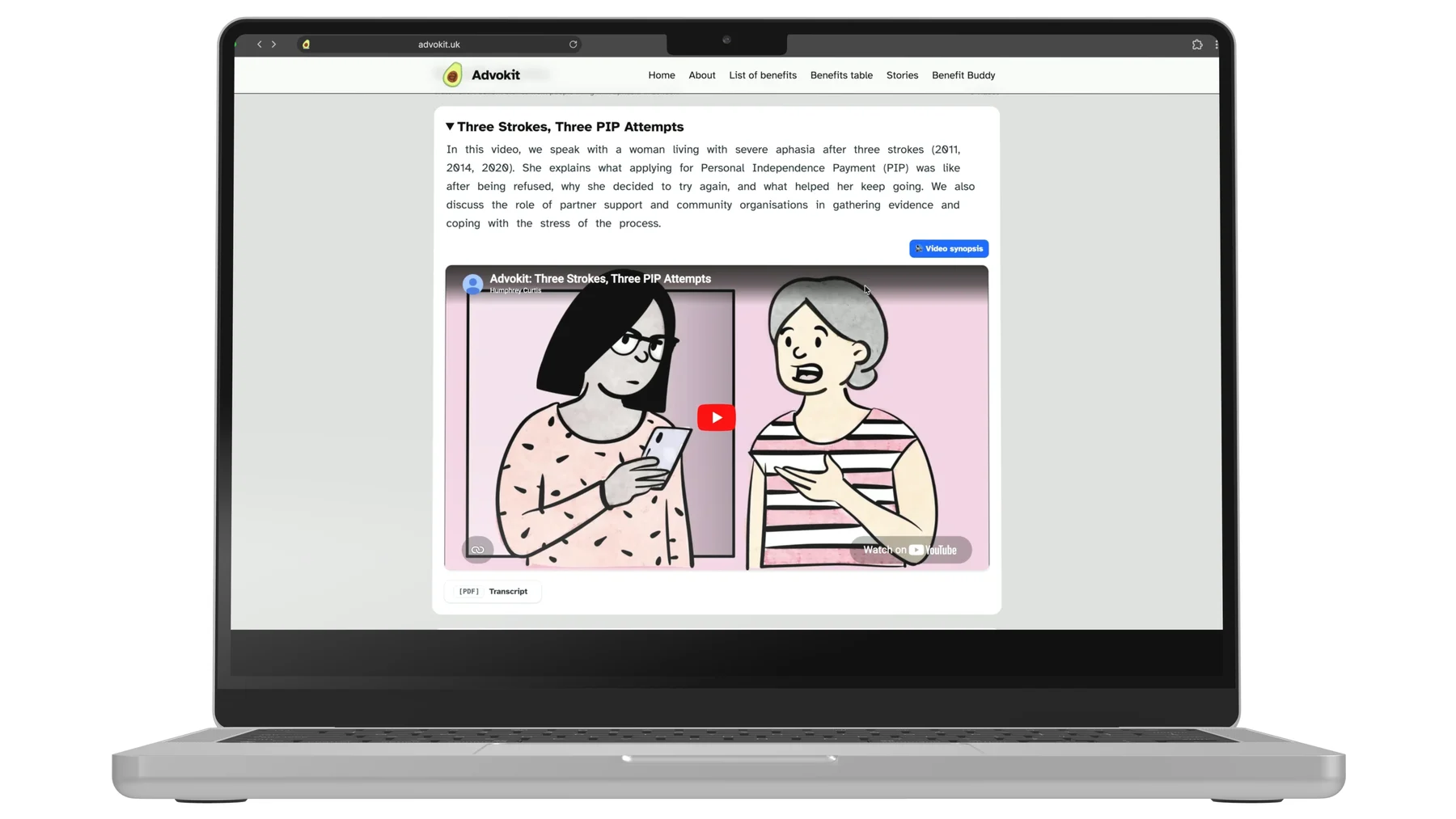
YouTube-embedded interviews with community welfare veterans, paired with commissioned illustrations, captions and printable transcripts. Each story includes a synopsis, top application tips and personal reflections — combining video, illustration and text to support varied literacy levels.
Benefit Buddy
An LLM-powered assistant configured specifically for welfare application writing — breaking questions into steps and coaching applicants to articulate functional impacts in assessor-facing language. Structured onboarding establishes context before the conversation begins. All responses are read-aloud enabled and copy directly into application forms. Feedback buttons — Good response, Bad response, More detail, Less detail — allow refinement without additional typing.
Co-Design Process
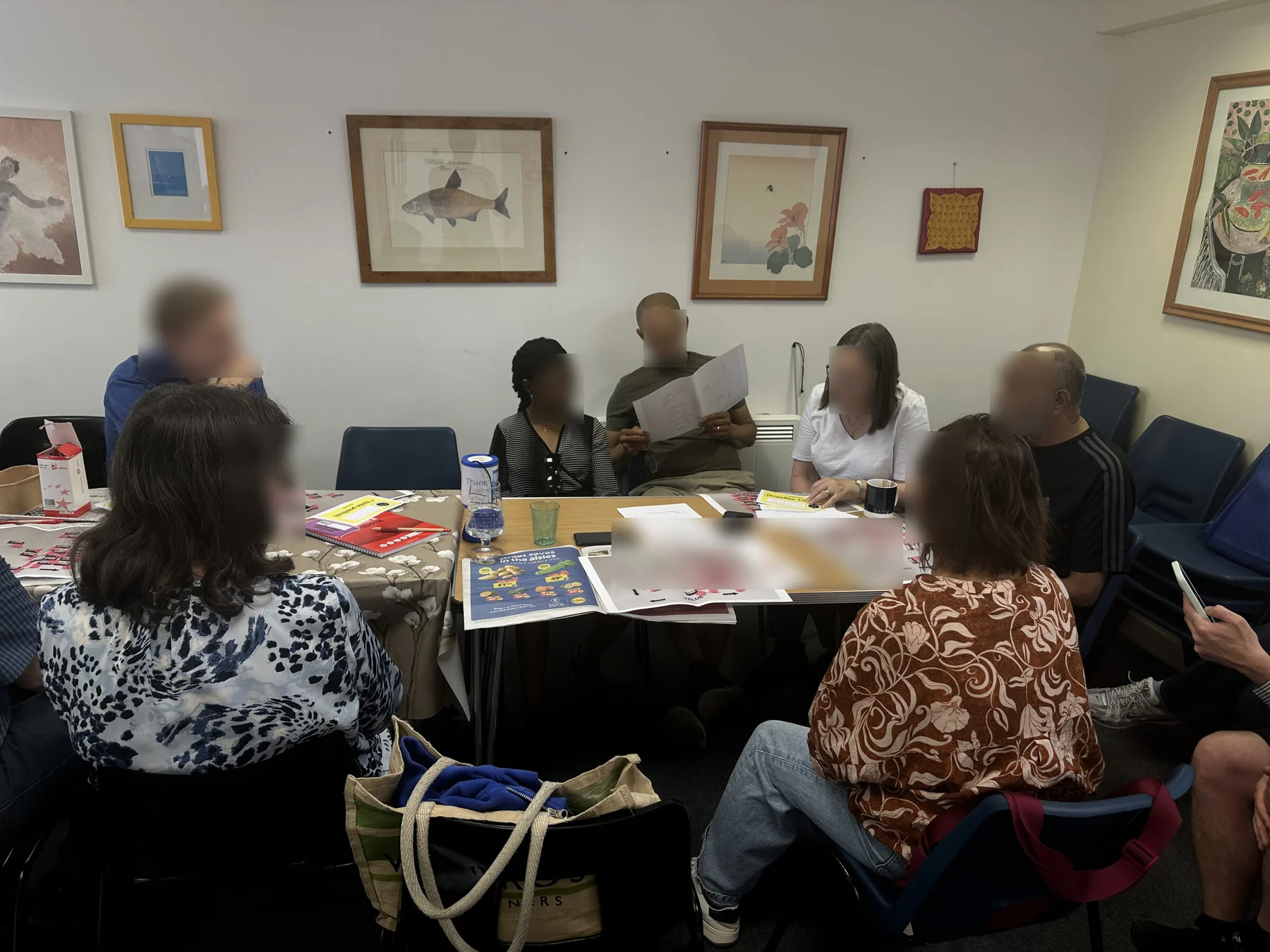
Four stages, May–July 2025: 8 workshops, 7 interviews, over 60 participants across SLT centres, community venues and online.
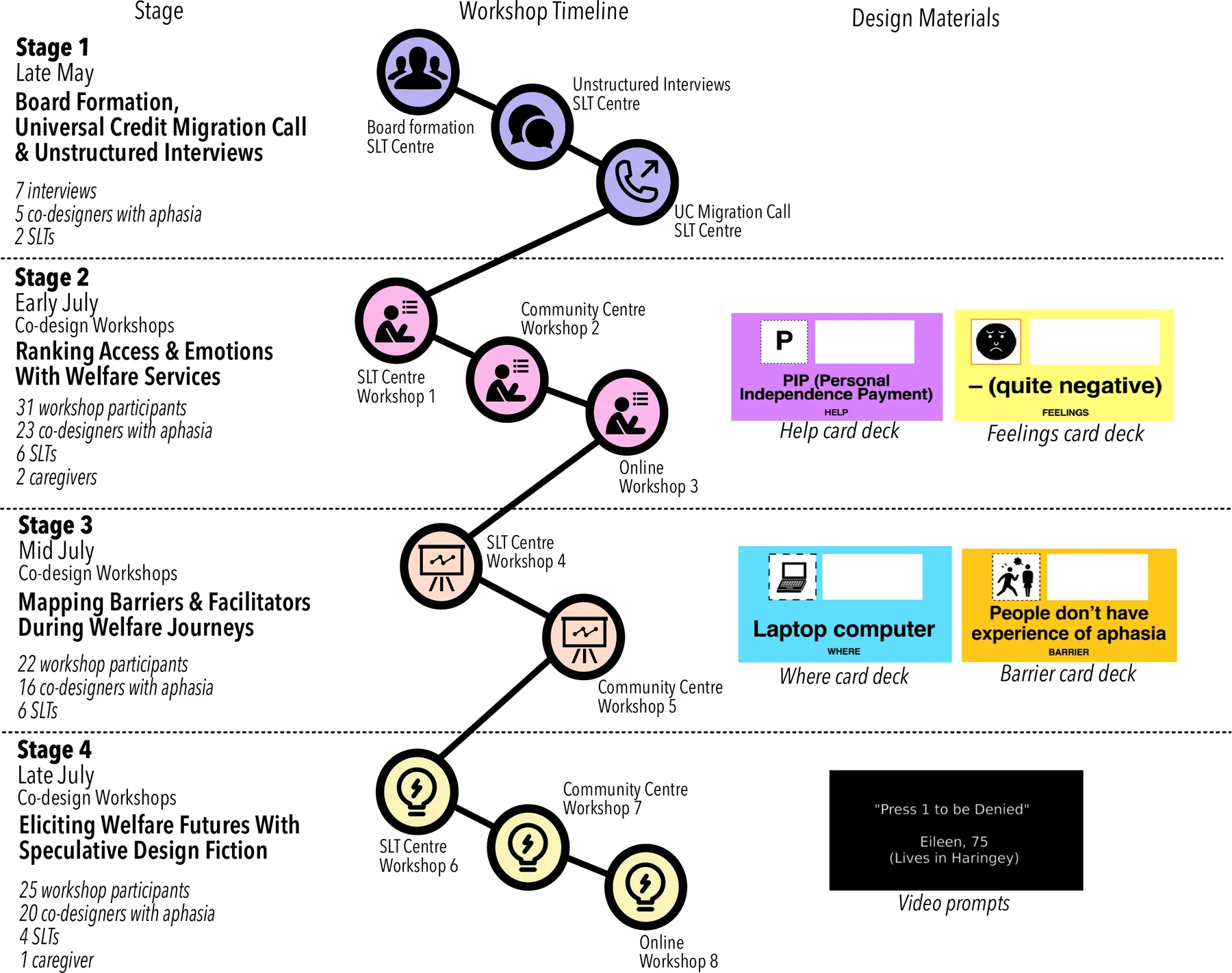
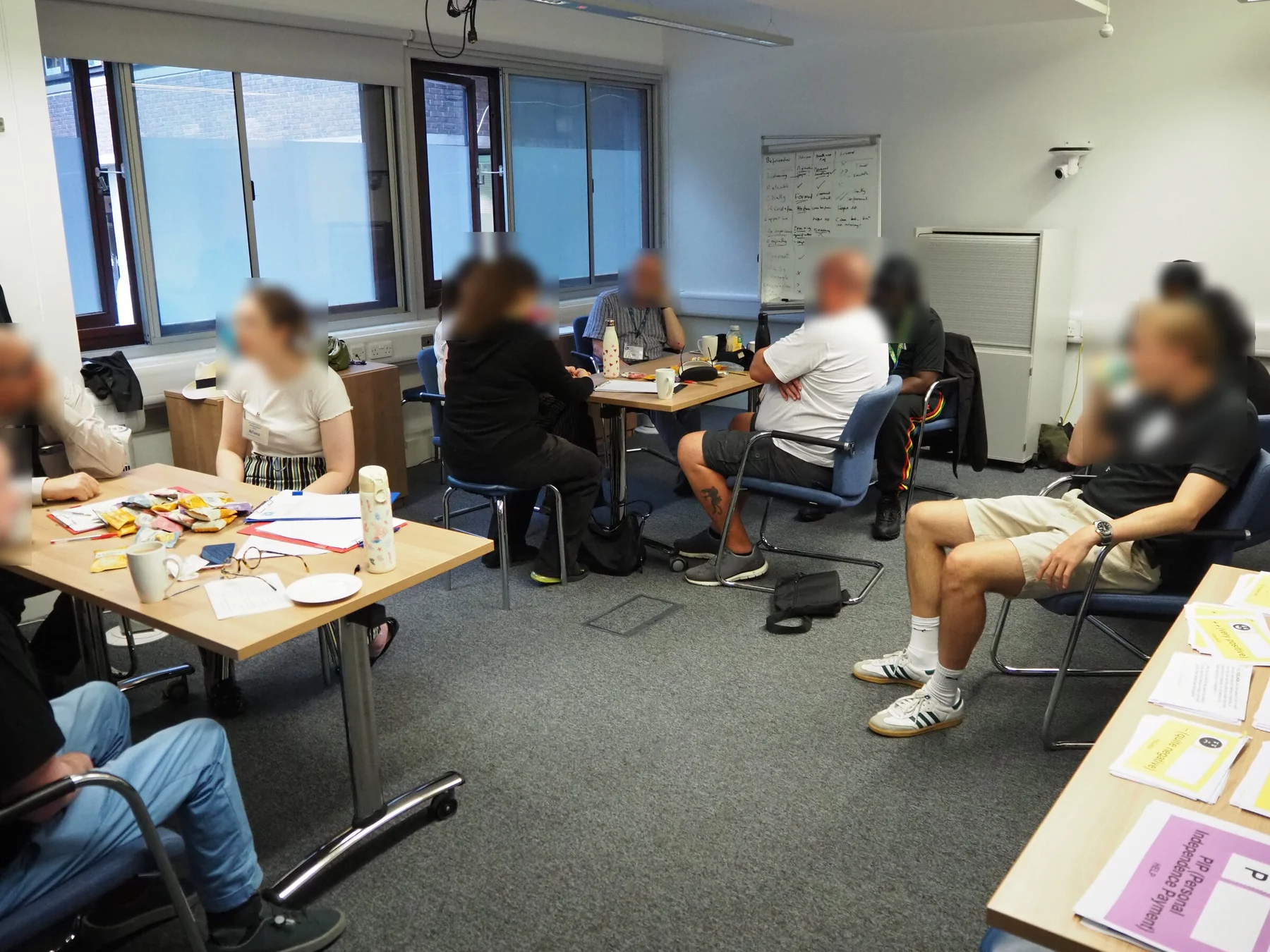
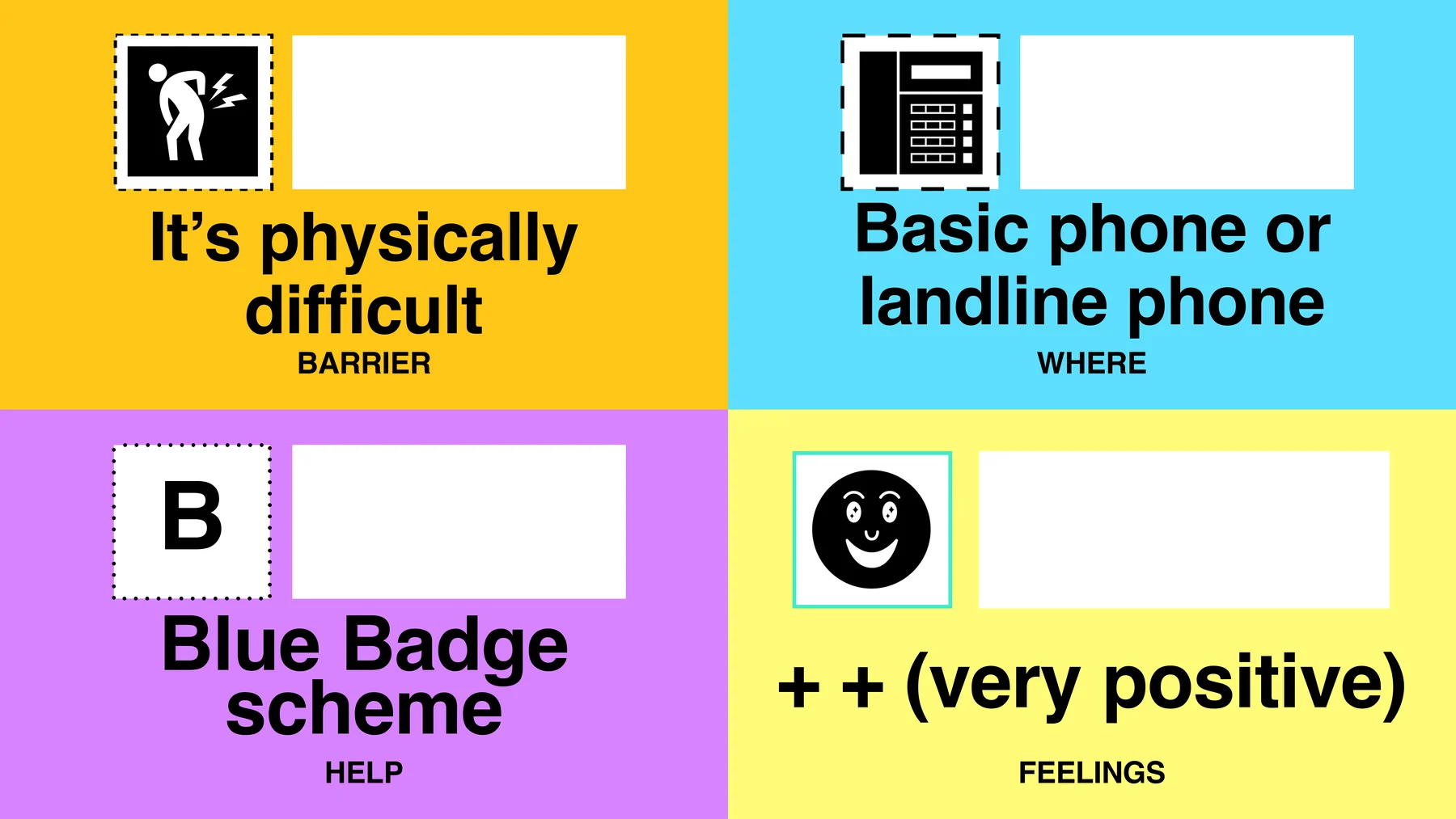
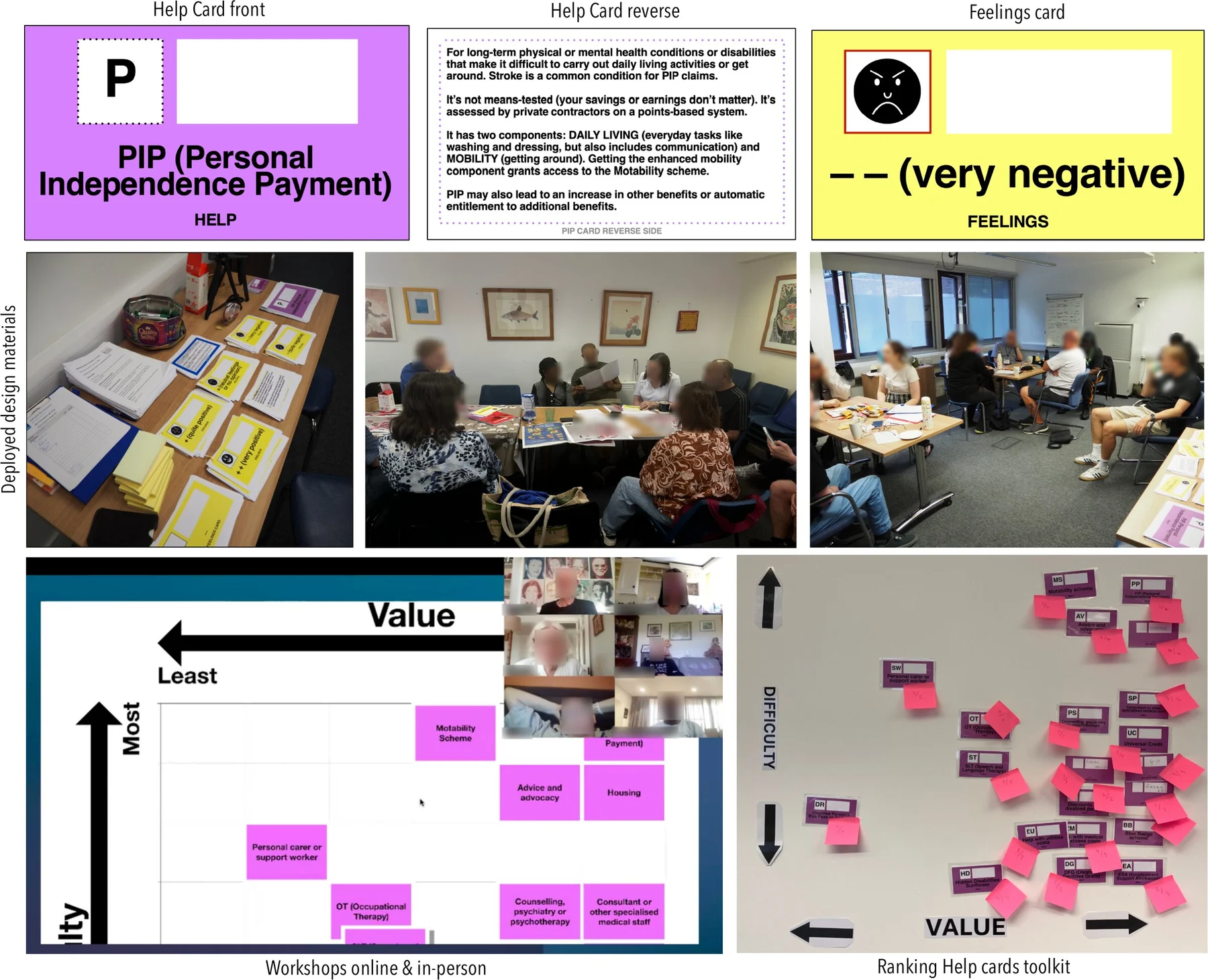
Stage 2 used accessible card decks — Help, Where, Barrier and Feelings cards — to rank welfare service experiences. Value/difficulty grids surfaced what mattered most: being understood, getting help quickly, not repeating yourself.
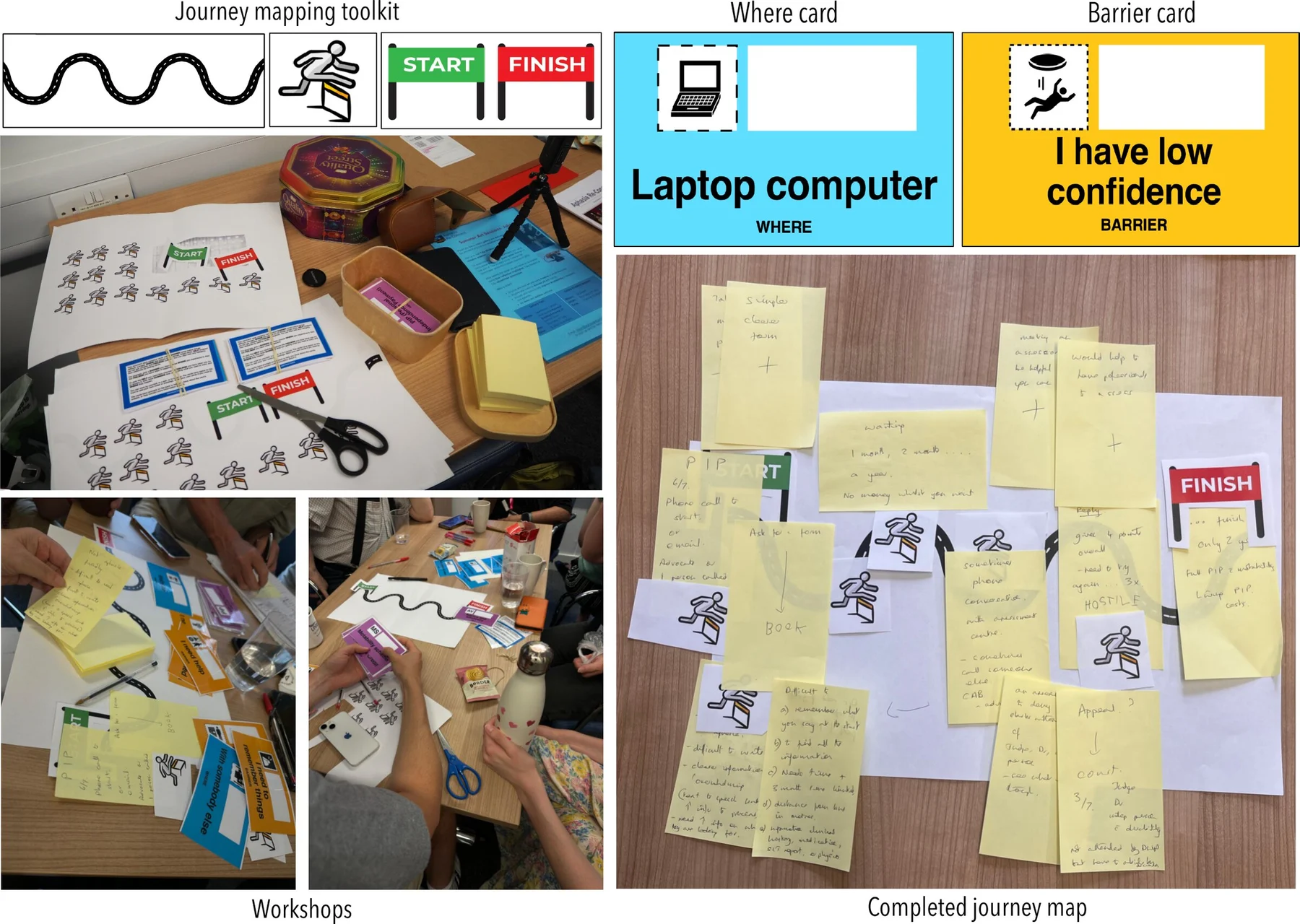
Stage 3 used journey mapping to trace specific moments of failure. Co-designers placed cards along a squiggly-line emotional arc, producing maps dense with compound failures: inaccessible forms, phone queues, confusing letters, staff unfamiliar with aphasia.
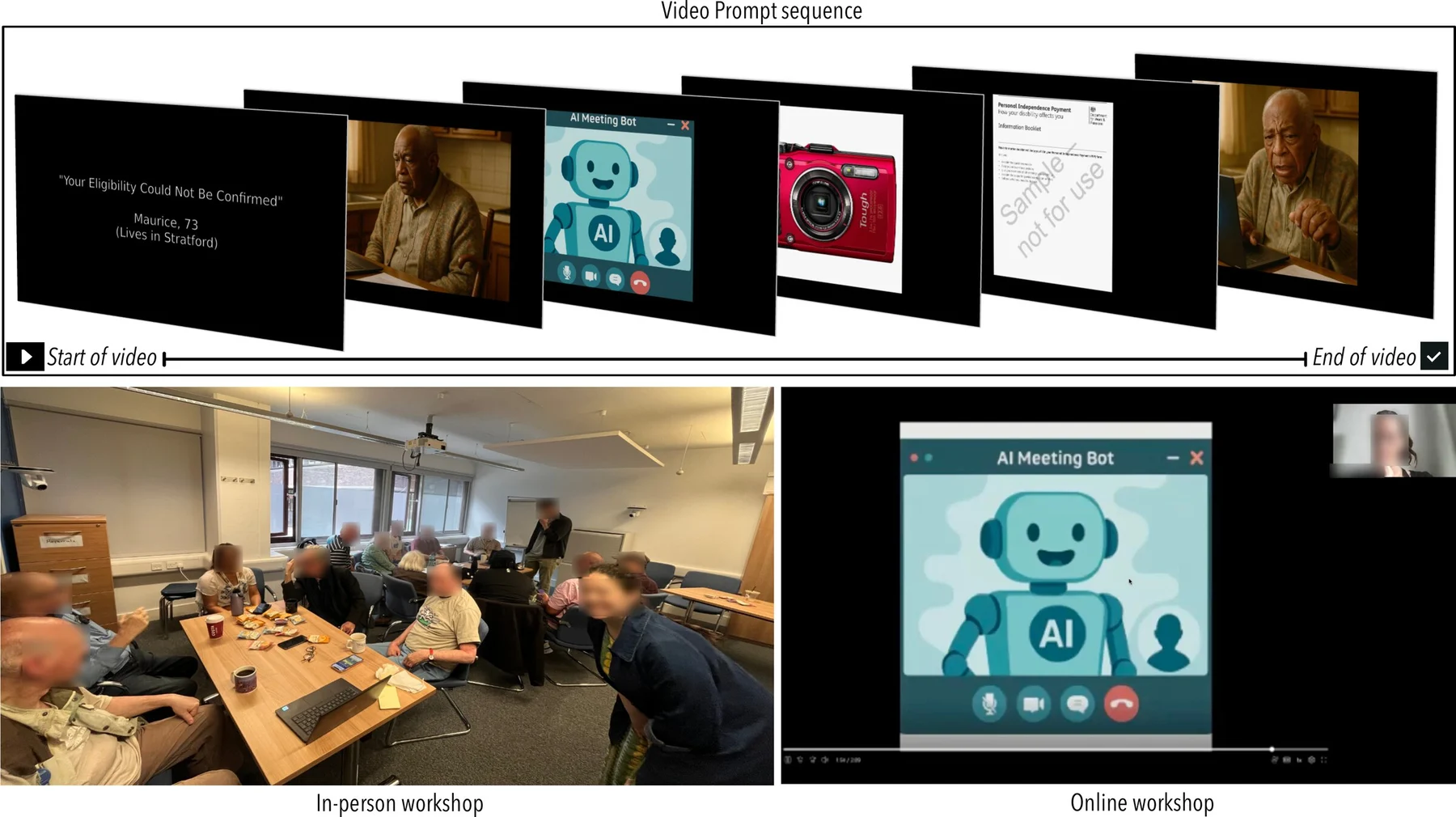
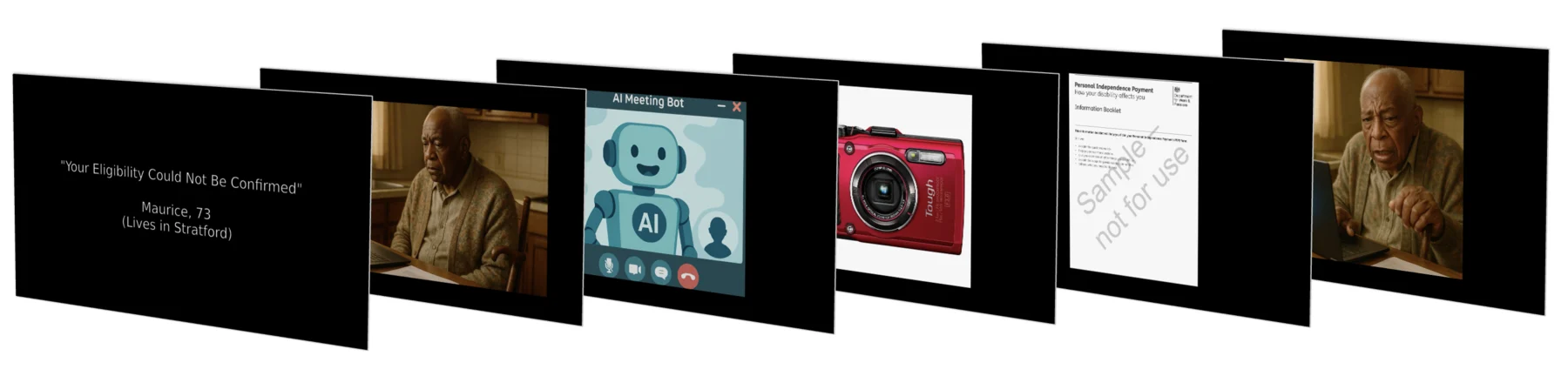
Stage 4 used speculative design fiction — short video prompts depicting near-future AI welfare scenarios — to ground discussion in vivid possibility. Co-designers responded with their own visions for empathetic, accessible AI welfare services.
Open-Source Workshop Toolkit
A fully open-source toolkit enabling others to run co-design workshops on digital welfare access. Includes accessible card decks, printable facilitation materials and five speculative design fiction video prompts. Download and use freely.